NZ Post: Migrating 30+ Legacy Pages to New Design System

Organisation
Industry
Skills
Timeline

Context
/Overview
1.0
30+ pages sat on outdated layouts while a key product lived on a separate domain.
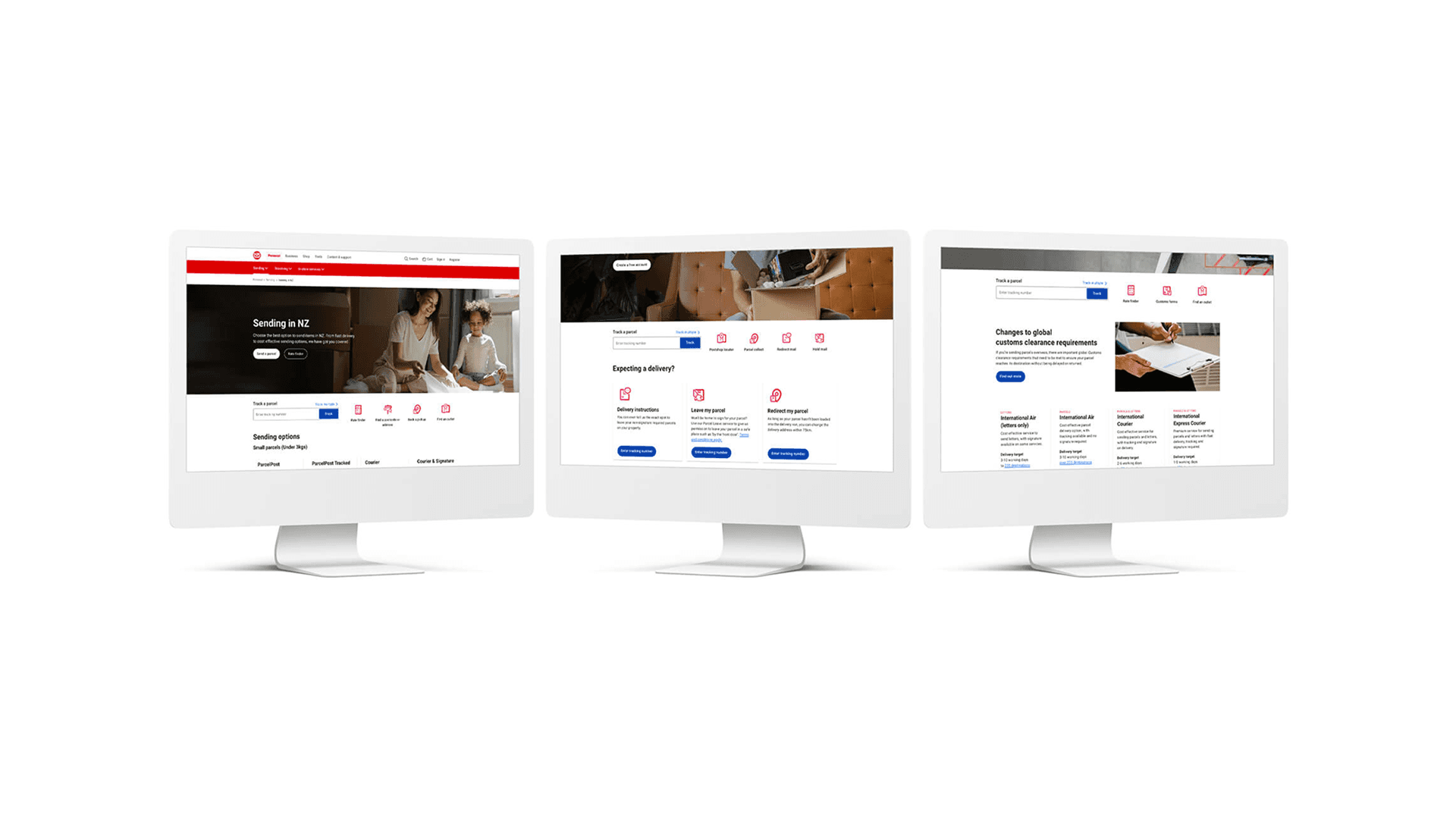
NZ Post was rolling out a new design system across its website. As a digital design intern in the UX team, I migrated 30+ legacy landing pages into the new system and sourced imagery to support the transition.
1.2
Challenge
The website had two problems: key landing pages were text-heavy with no clear hierarchy, and a business product (Contract Logistics) lived on a completely separate domain with inconsistent branding.
Problem 1
Site Isolation
contractlogistics.co.nz → External Domain
Goal
Migrate to main domain and redesign for business customers
Problem 2
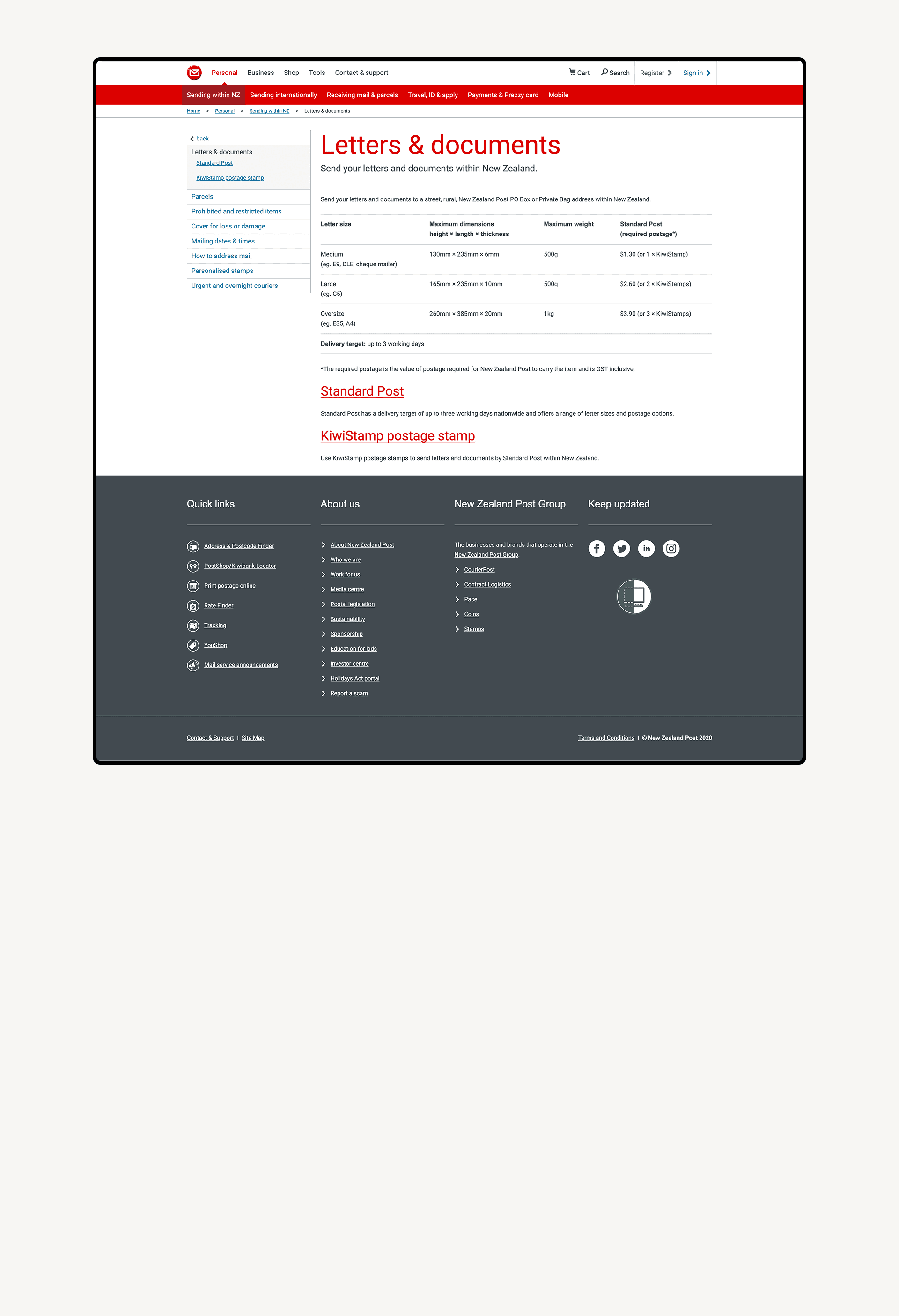
Legacy Page
Outdated Webpage
Goal
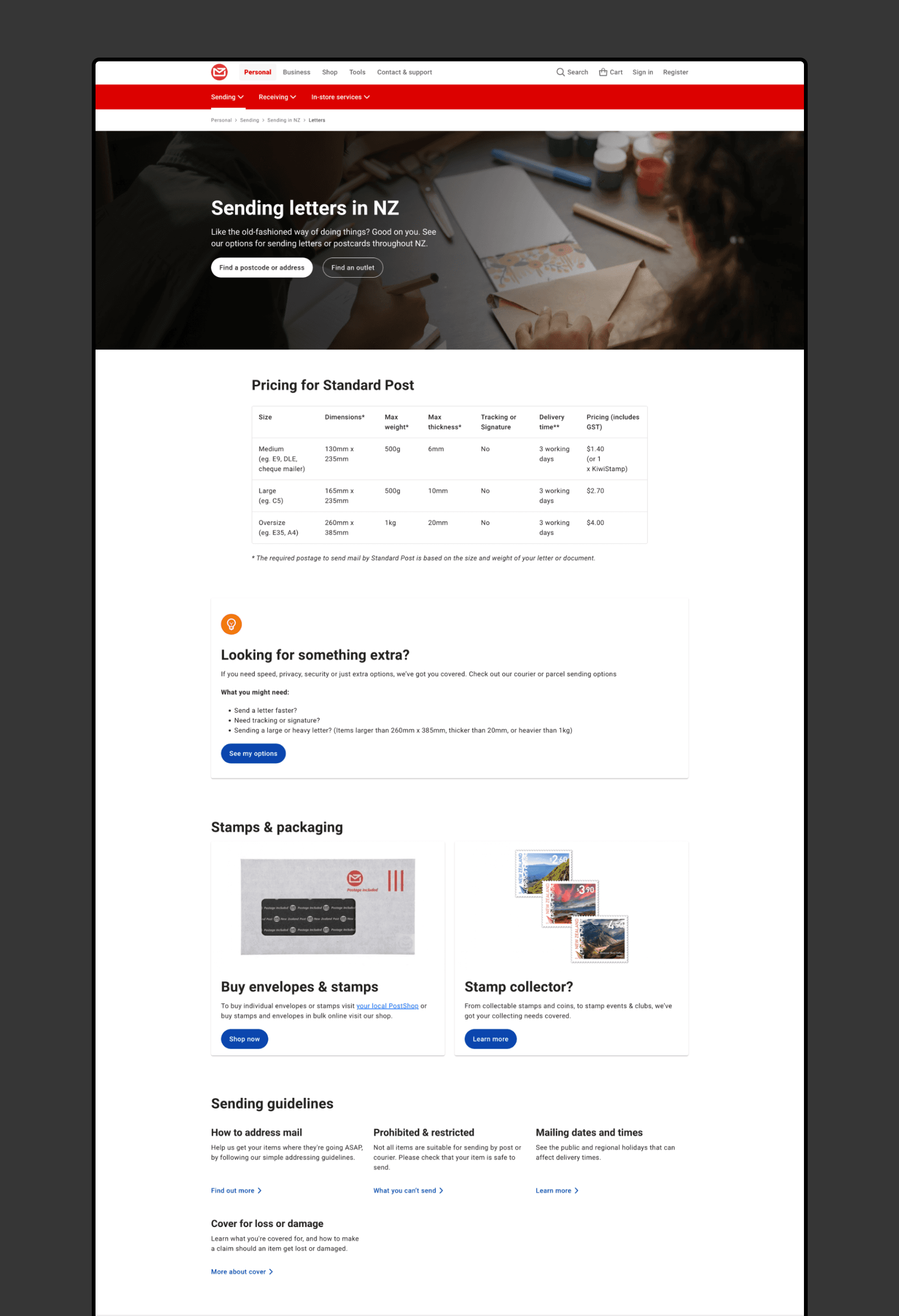
Redesign pages with clear hierarchy, prominent CTAs, and visual richness
1.3
My role
As a Digital Design Intern, I worked within the UX team to migrate content into the CMS, edit imagery, and collaborate on flow improvement with the UX team.
Image Sourcing & Editing
CMS Content Migration
Stakeholder Coordination
Project one
/Contract Logistics Website Migration
2.0
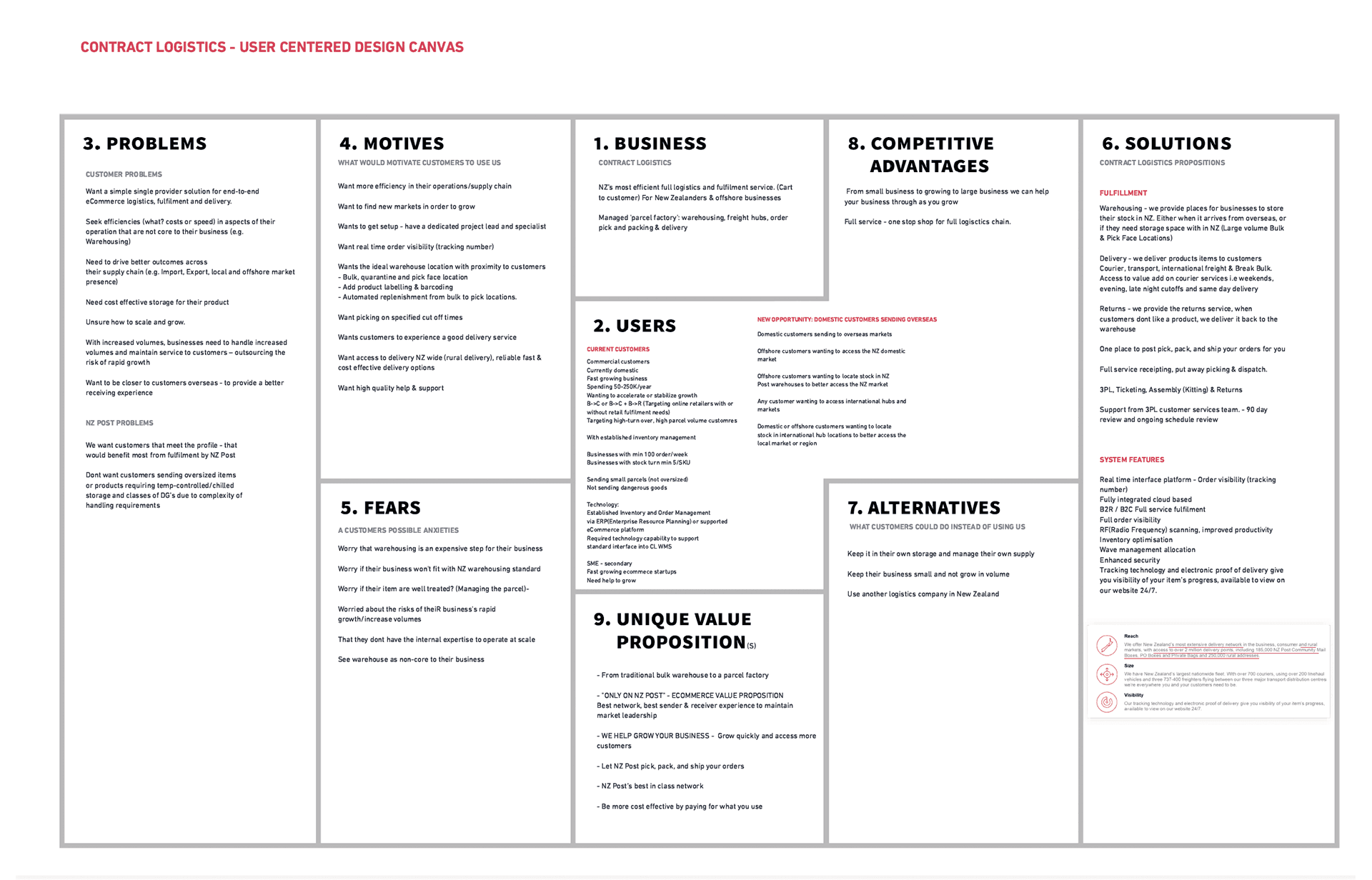
Discovery: User-Centered Lean Canvas
Our UX team facilitated workshop using the User-Centered Lean Canvas framework to:
Gather insights from current business customers
Understand their logistics needs and pain points
Align customer needs with NZ Post's business strategy
2.1
Wireframing & Stakeholder Collaboration
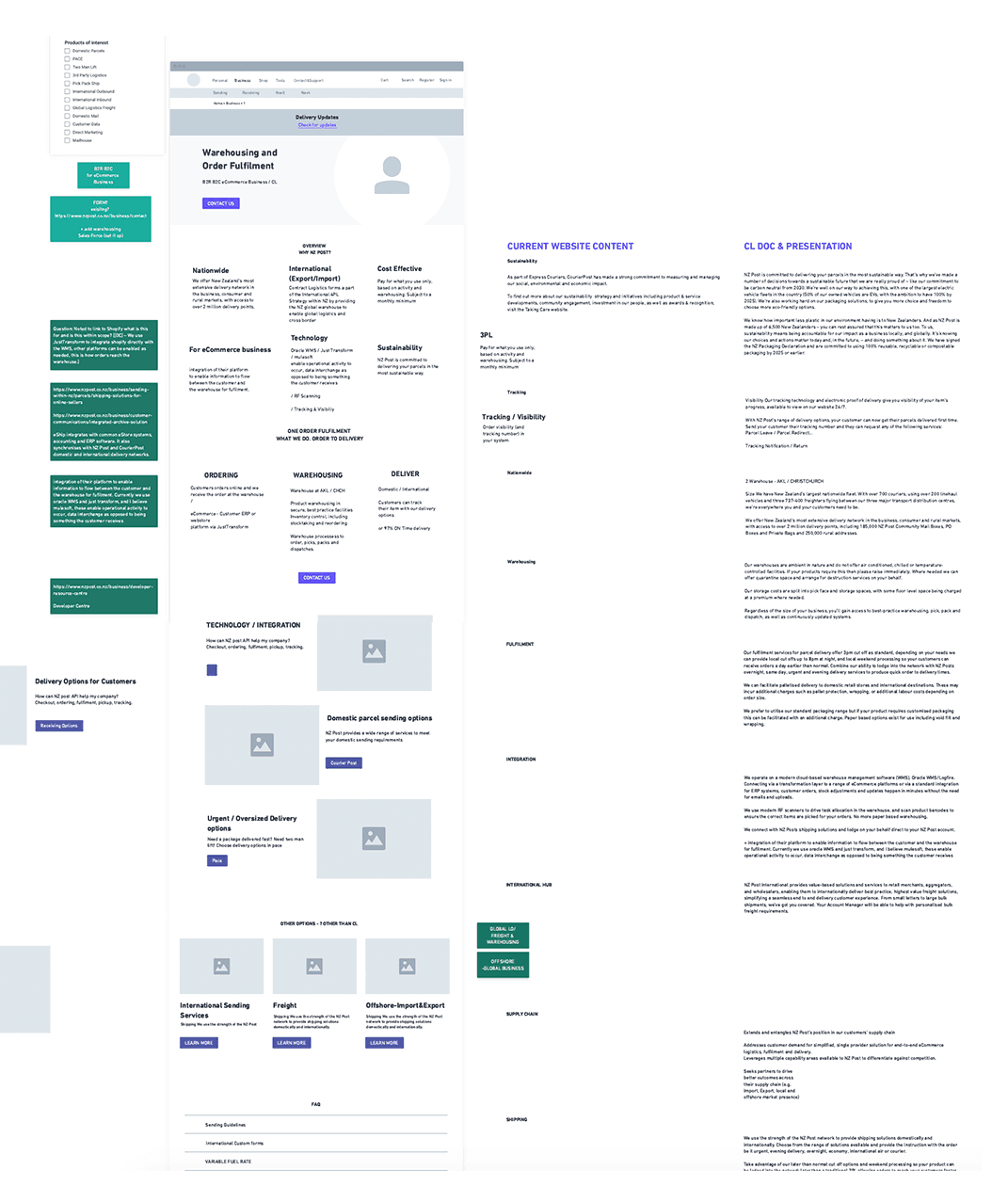
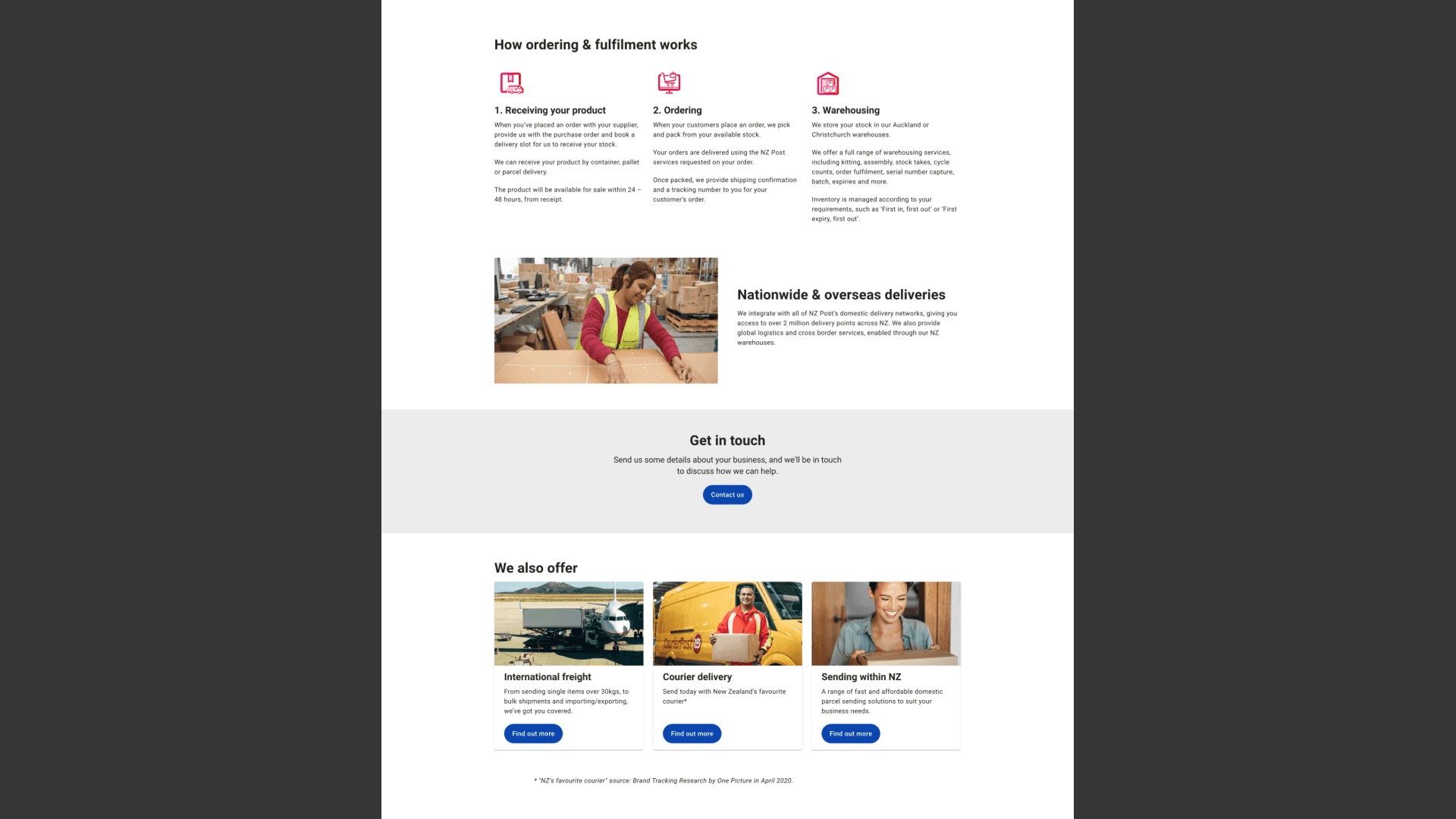
With canvas insights in hand, I worked with the team to create wireframes translating customer needs into site structure.
Simplified to 3-step process (addresses fear of complexity)
Prominent pricing section (addresses cost anxiety)
Multiple low-pressure CTAs (reduces commitment fear)
2.2
Implementation in CMS
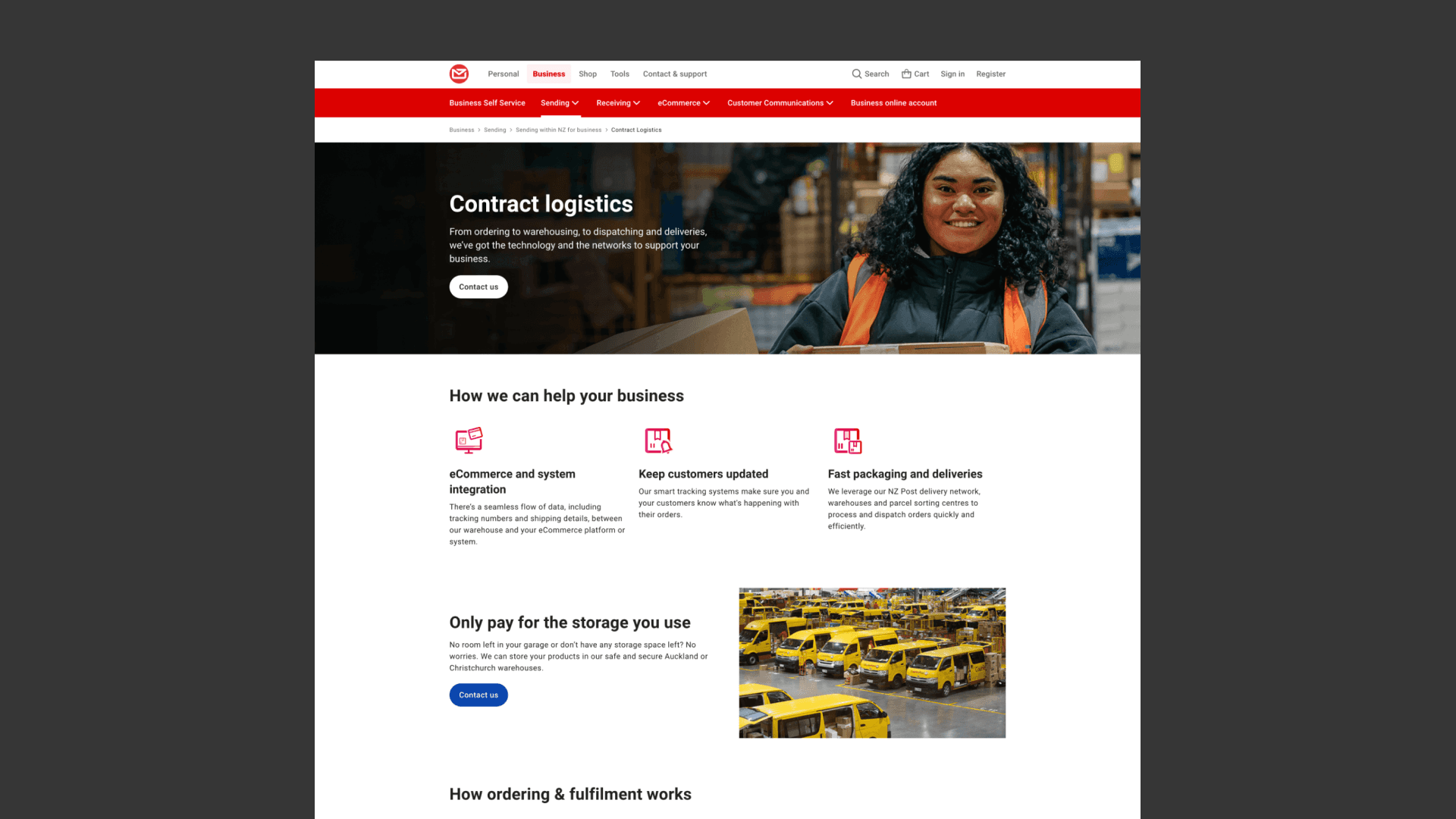
With wireframes approved, I migrated and redesigned the pages within the NZ Post CMS.
URL structure: nzpost.co.nz/business/contract-logistics
Navigation: Added to Business services menu / Seamless navigation & branding
Project 2
/Landing Page Redesign
3.0
Content Audit
I began by systematically reviewing existing landing pages to understand current state and identify improvement opportunities.
Relevance
Is the information current, accurate, and still valuable to the customer?
Hireachy
Can users quickly scan the page and find critical information?
Engagement
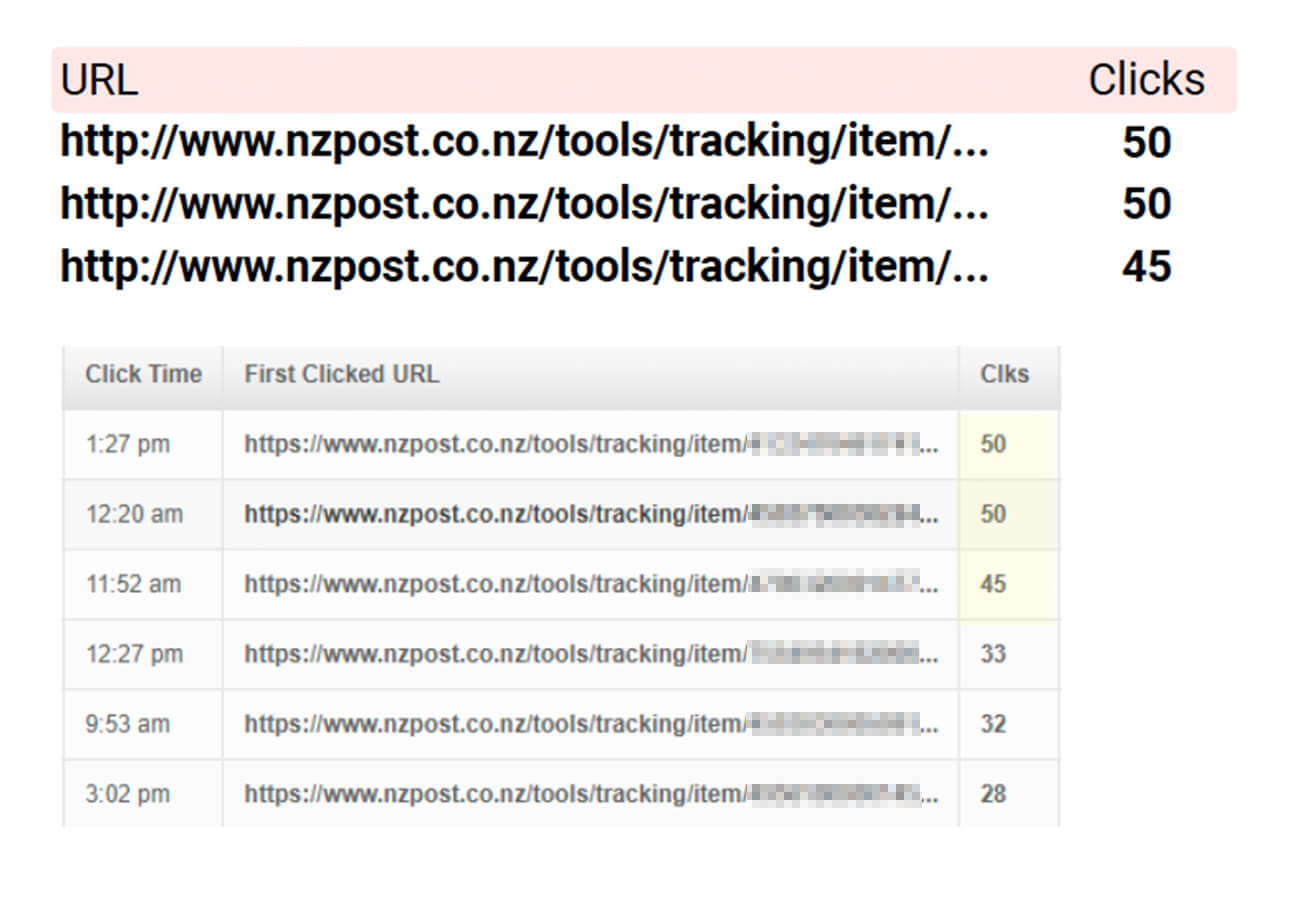
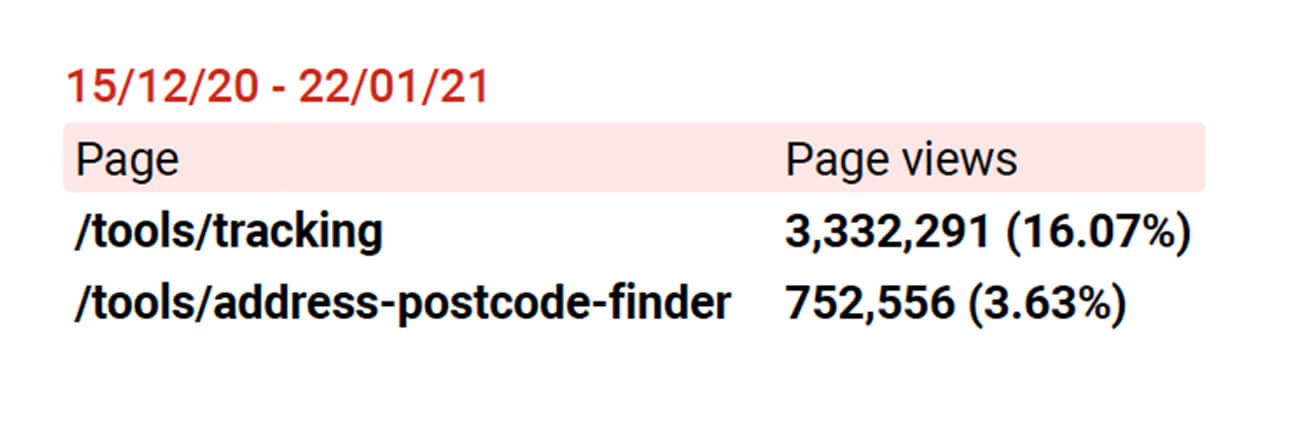
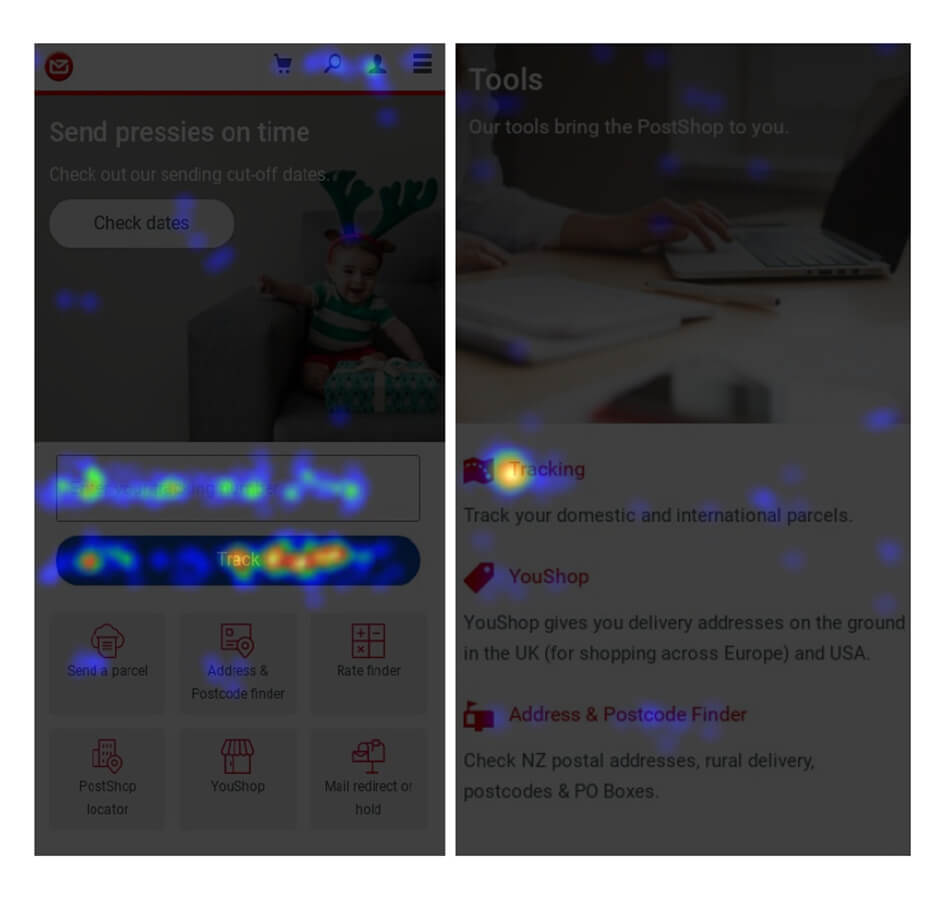
What do analytics and click-through rates reveal about user behavior?
Branding
Does the visual design match current NZ Post design system standards?
3.1
Analysis
I worked with UX team to analyse website to inform redesign decisions.
3.2
Redesign in CMS
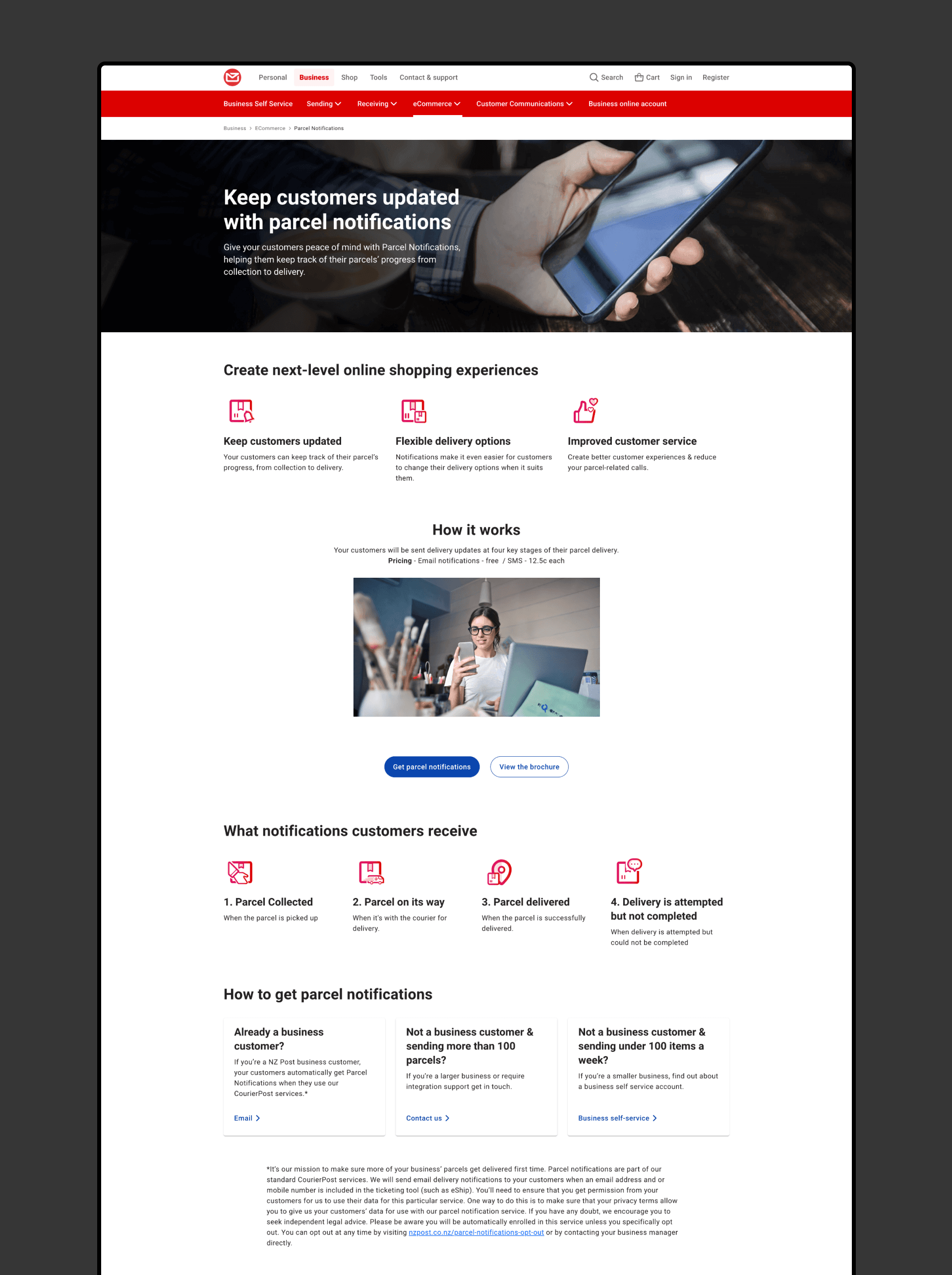
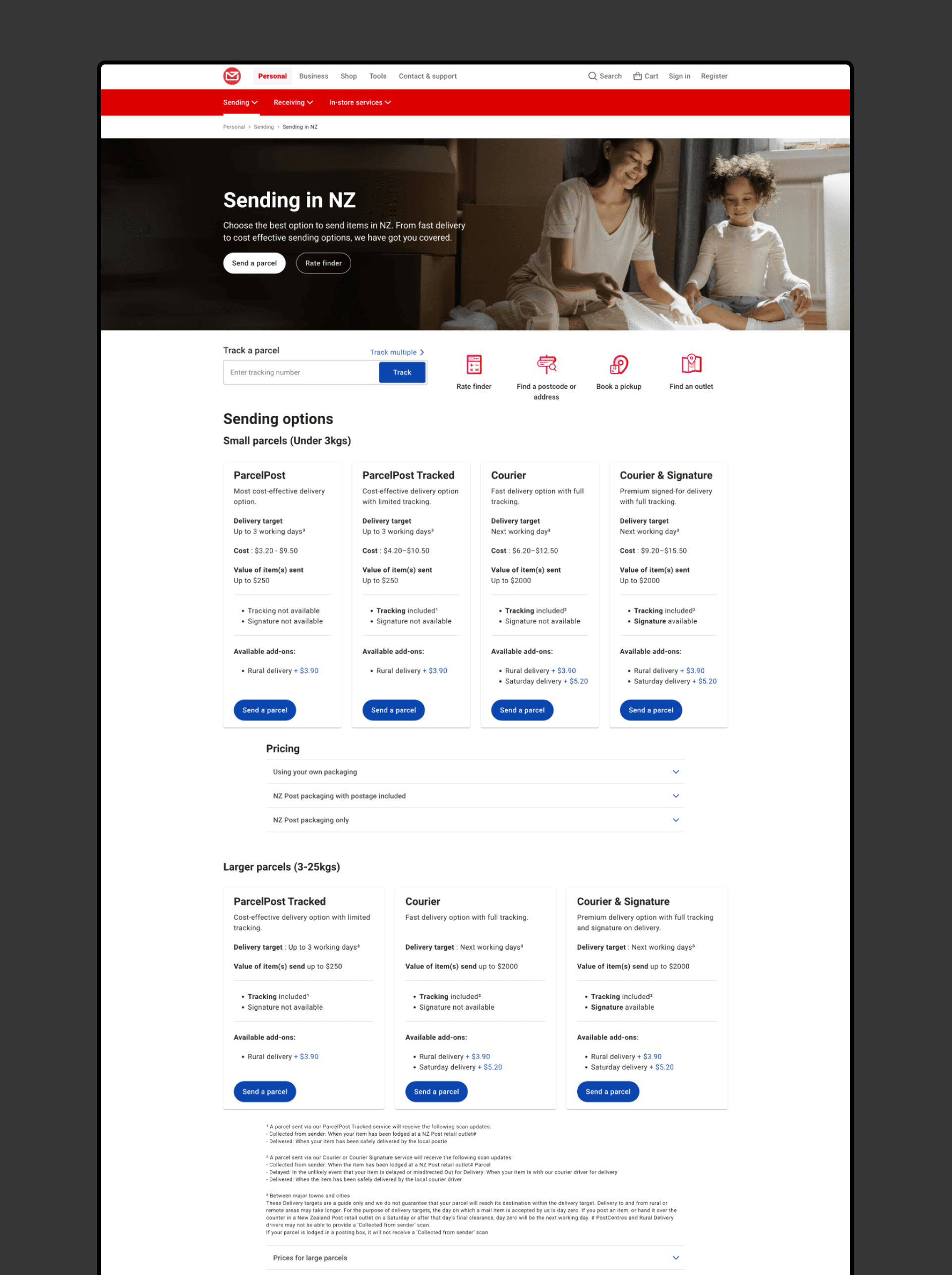
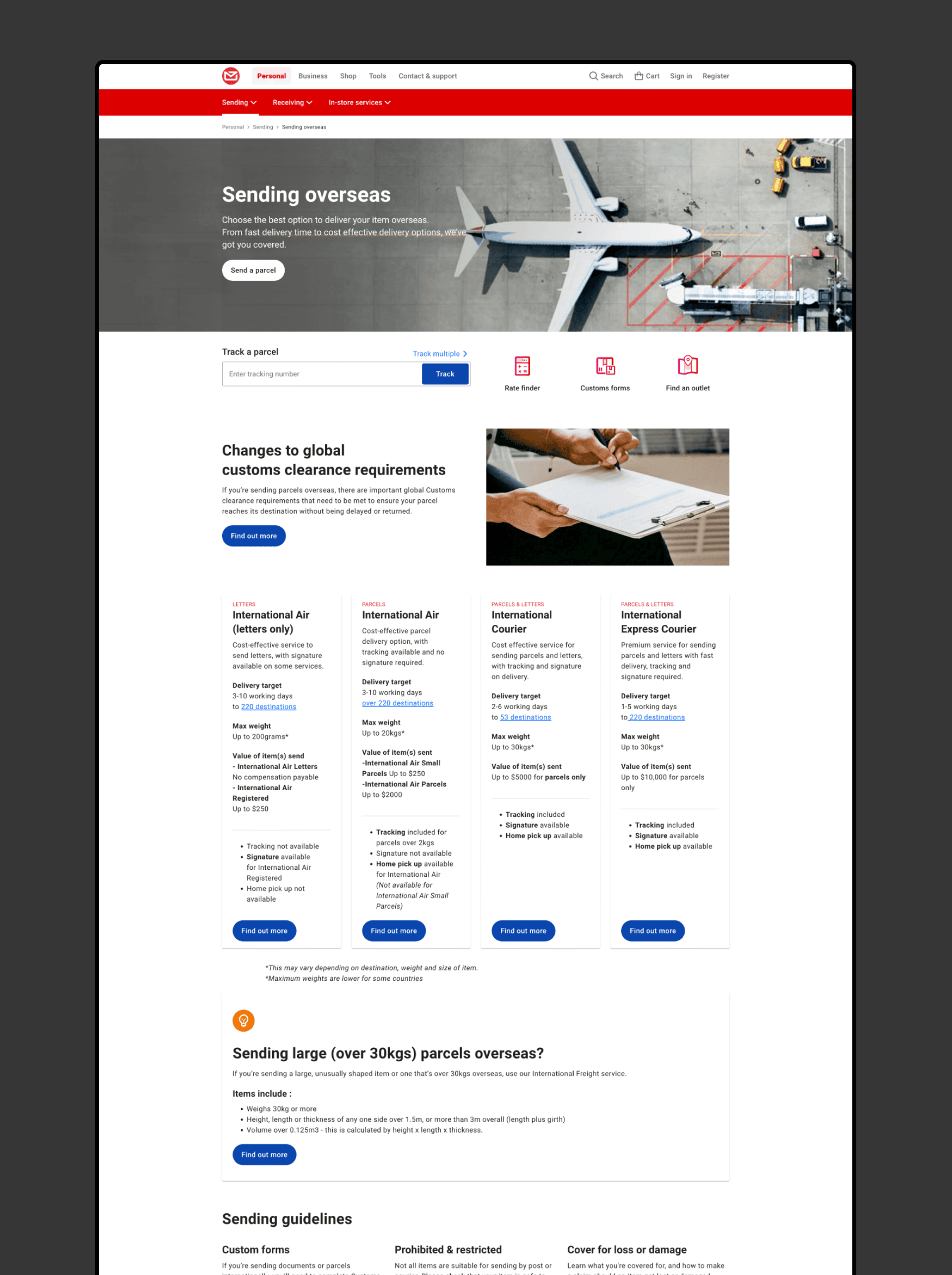
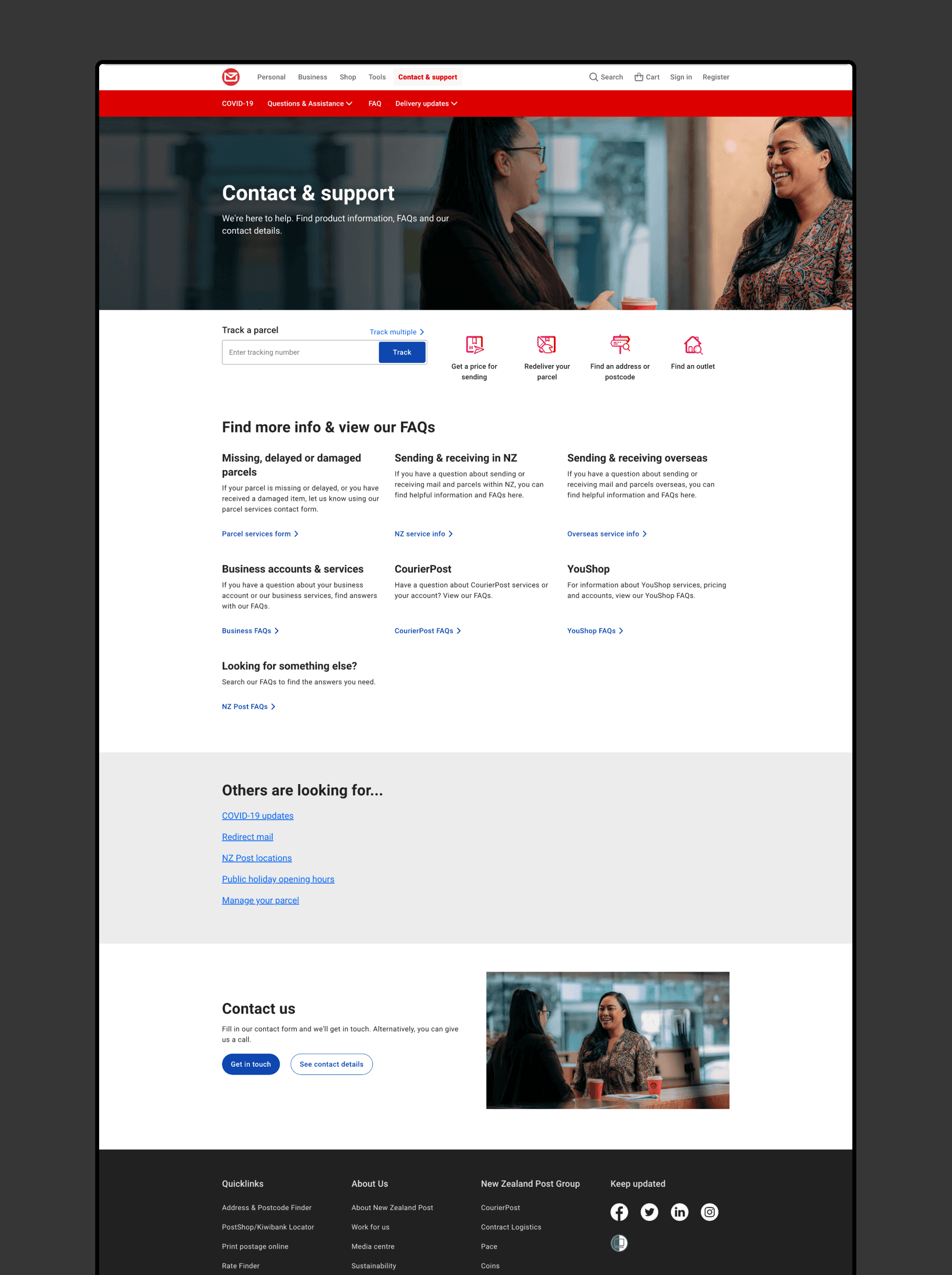
Based on analytics insights and stakeholder input, I worked with the team to migrate multiple pages over, restructuring content, sourcing and editing imagery, providing icons.
Main 'Homepage' of NZ Post
Parcel Notification
Sending parcel breakdown
Final Outcome
/Final Design Results




Projects

